Loading posts…
← All posts
How do SLA timers handle tickets that move between teams with different working hours, holidays, and response targets?
How do SLA timers handle tickets that move between teams with different working hours, holidays, and response targets?
In Alumanel, SLA timers always follow the team that owns the ticket.
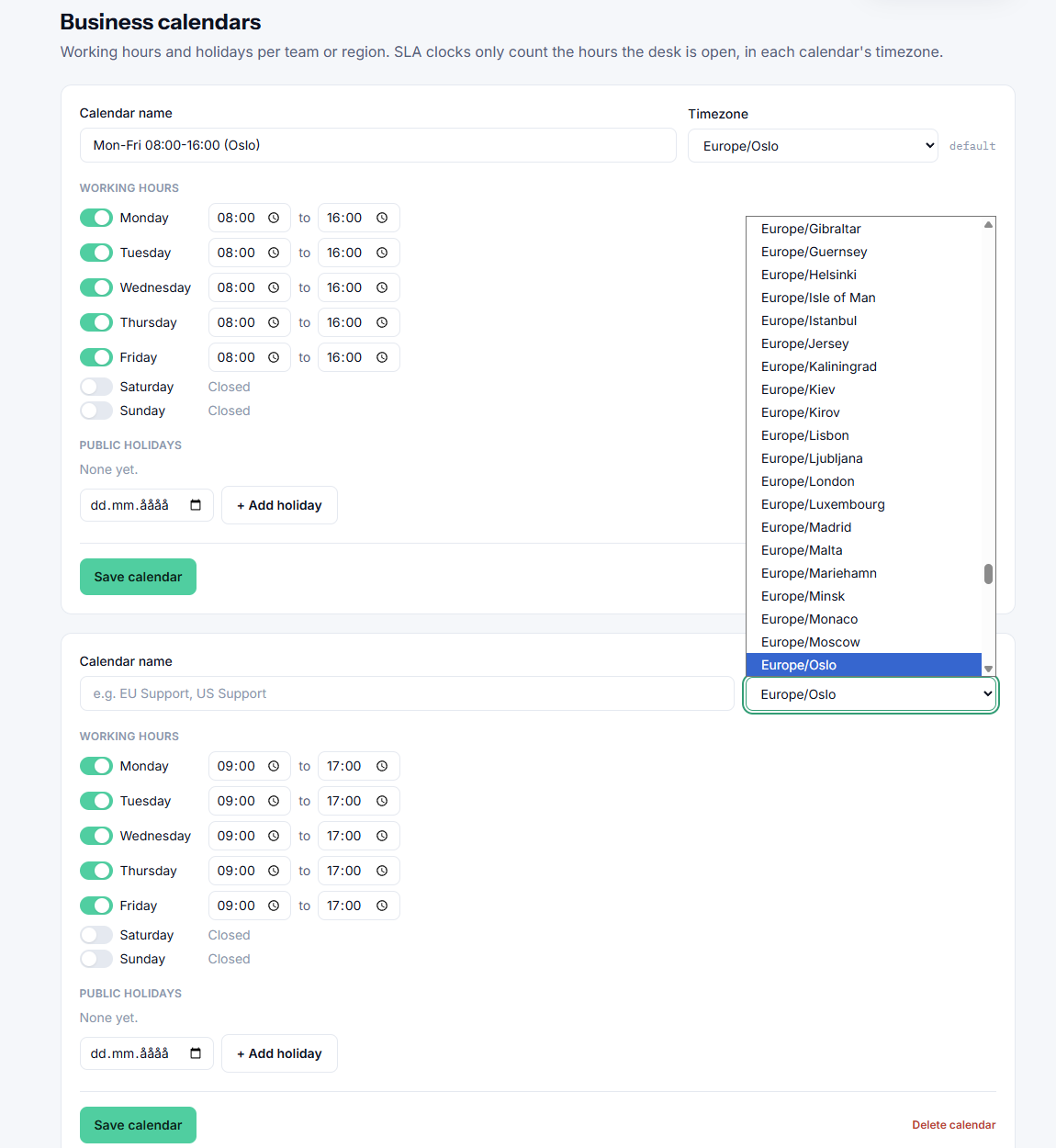
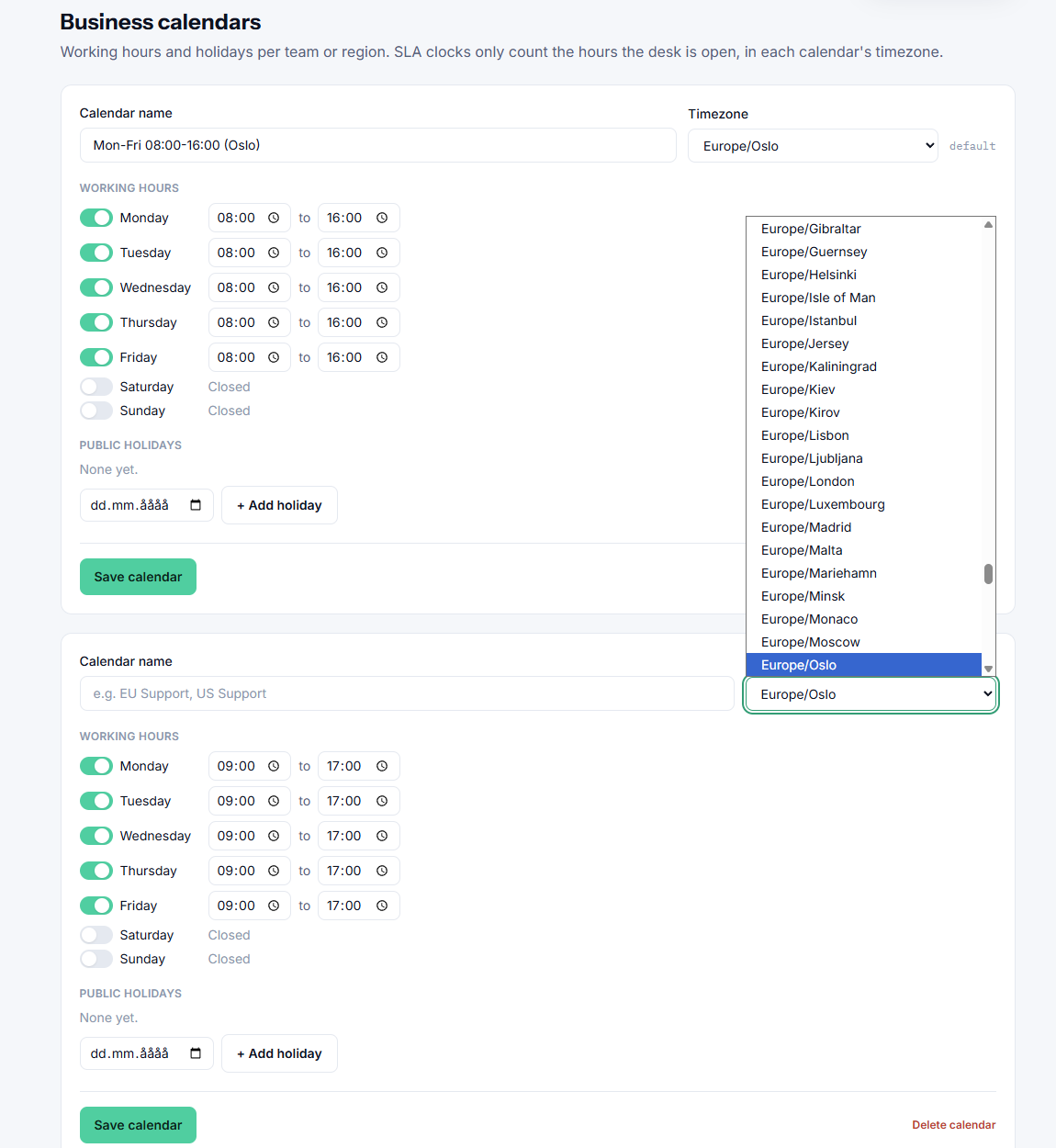
Each team has its own working calendar: a timezone, weekly working hours and public holidays. An SLA timer only counts time while the owning team is open, so nights, weekends and holidays never eat into the target. You can also set response and resolution targets per team, and per priority or VIP within a team.
When a ticket moves to another team:
- Time already used is kept. It’s counted in the hours of the team that had the ticket, so no one gets a fresh clock by reassigning it.
- From the moment of the move, the new team’s calendar applies: its timezone, hours and holidays.
- If the new team has its own targets, they apply, minus the time already used. If that time already exceeds the new team’s target, the ticket is flagged as overdue right away.
- Paused tickets stay paused, for example while waiting on the requester. Targets that were already met or breached stay as recorded.
- Escalations and reminders are recalculated for the new team, without repeating ones that were already sent.
- Every move is noted on the ticket’s timeline, showing the new target and how much time had been used.
Example: a ticket spends 2 working hours with your Oslo team (08:00–16:00 CET) against a 4-hour first-response target. At 14:00 Oslo time it’s moved to your New York team (09:00–17:00 ET), whose target is 3 hours. One hour is left, and it starts counting when New York opens at 09:00 ET, so first response is due at 10:00 ET. If New York is closed for Thanksgiving, that day is skipped automatically.