 Alumanel Docs
Billing is managed per company from the Console Billing page. Only owners and admins can see it.
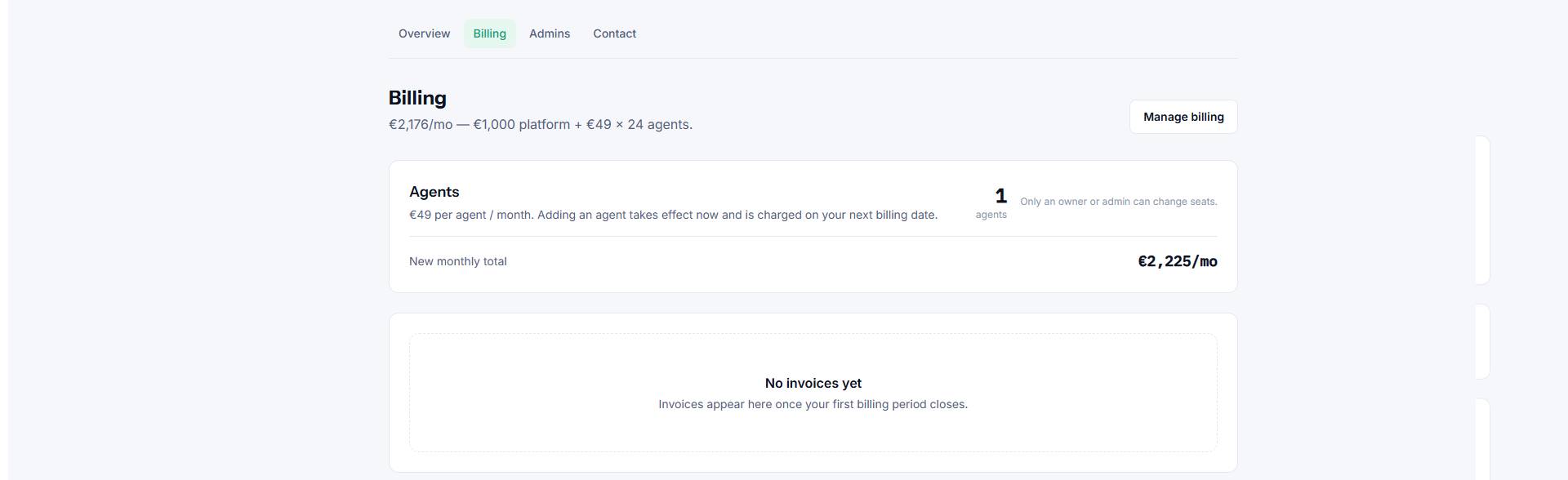
What you will find
- Current plan — the plan your company is on and what it includes.
- Seats — how many agent seats you have and how many are in use.
- Invoices — a history of past charges you can download.
- Payment method — update the card on file.
Adding seats
Each active agent in your ITSM environment uses one seat. If you run out, add seats from the Billing page before inviting more agents.
Failed payments
If a payment fails, your environment may move to Suspended until the balance is settled. Update your payment method and the environment returns to Active automatically.
Need help with an invoice? Use the Contact form and our team will follow up.