 Alumanel Docs
Teams group agents who handle a certain kind of work. A ticket assigned to a team uses that team's working hours for its SLA.
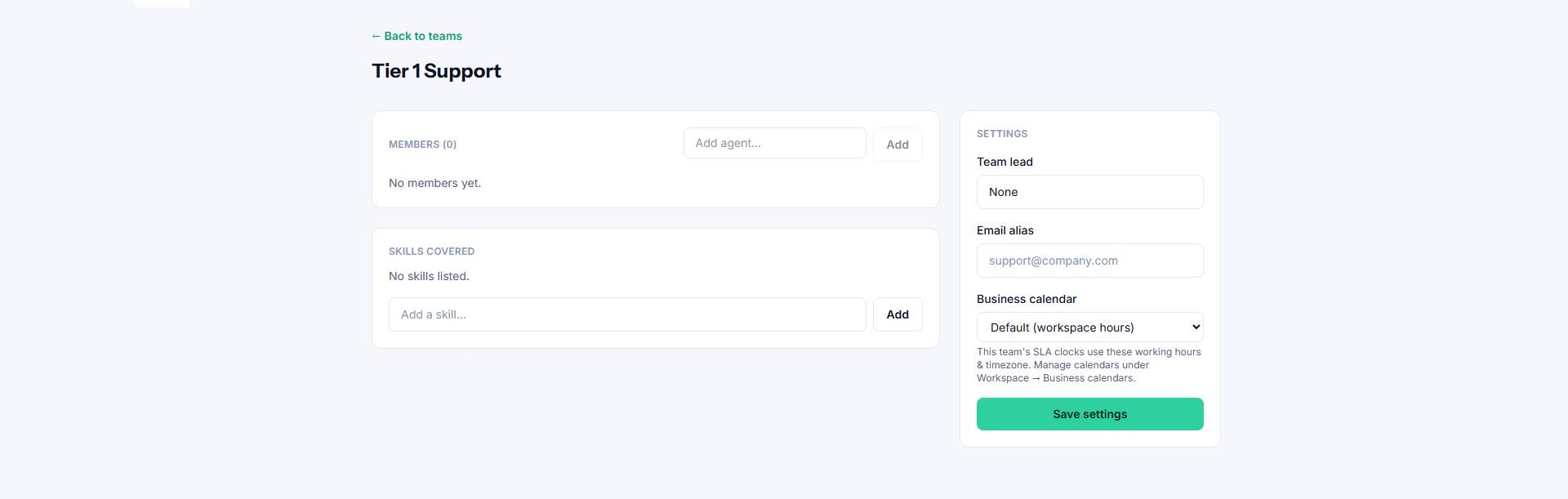
Adding members
On a team's page, use the Add agent box. Start typing a name and the list filters as you type — pick the person and click Add.
The team lead
Every team can have a lead. Set it from the Team lead dropdown in the team's Settings card (or use Make lead on a member row). Choose None to clear it.
Skills
List the skills a team covers (for example, Networking, Billing, Hardware). Skills make it easy to see at a glance what each team handles.
Business calendar
Pick the team's business calendar to set its working hours and timezone — this is what the SLA clock measures against. See Business calendars.
Email alias
An optional email alias lets mail sent to a specific address land with this team.