 Alumanel Docs
The Console has two company roles. They control who can change company-wide settings — they are separate from ITSM agent permissions.
Roles
- Owner — full control, including billing and deleting environments. There is always at least one owner.
- Admin — can manage environments and most settings, but is limited around billing ownership.
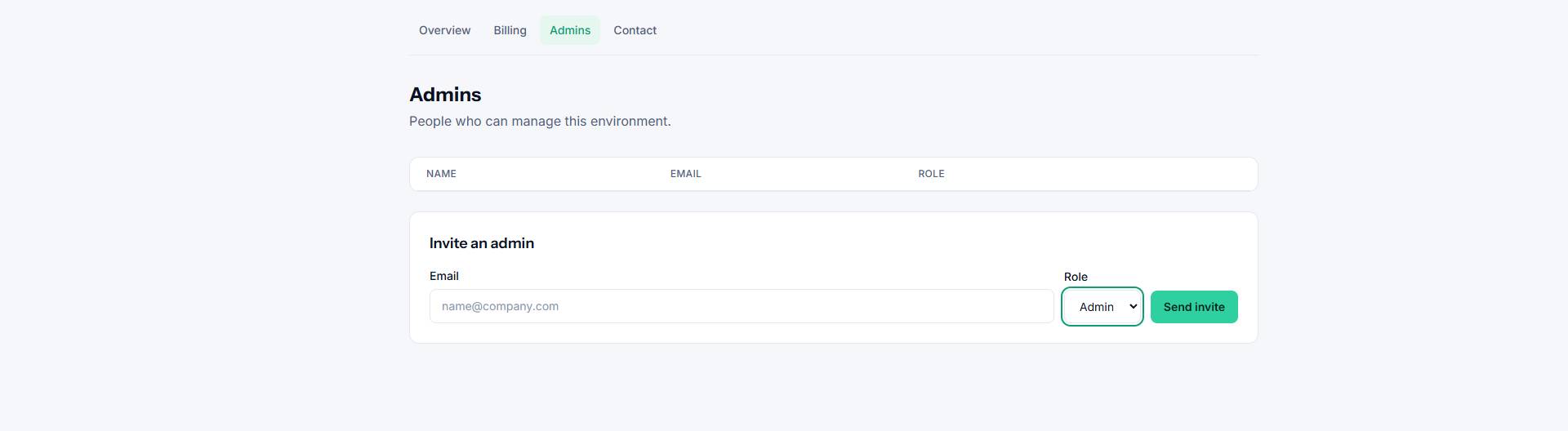
Inviting an admin
- Open Admins in the Console.
- Enter the person's email and pick a role.
- Send the invite. They receive an email with a link to accept.
Until they accept, the invite shows as pending. You can revoke a pending invite at any time.
Changing or removing access
From the Admins list you can change someone's role or remove them. Removing an admin does not delete any ITSM agents — those are managed separately inside each environment.
Tip: Keep the number of owners small. Use admin for most of your team.