 Alumanel Docs
Managing environments
An environment is one isolated ITSM workspace — its own database, its own agents, its own customers. Most companies run a single environment; larger ones run several (for example, one per brand or region).
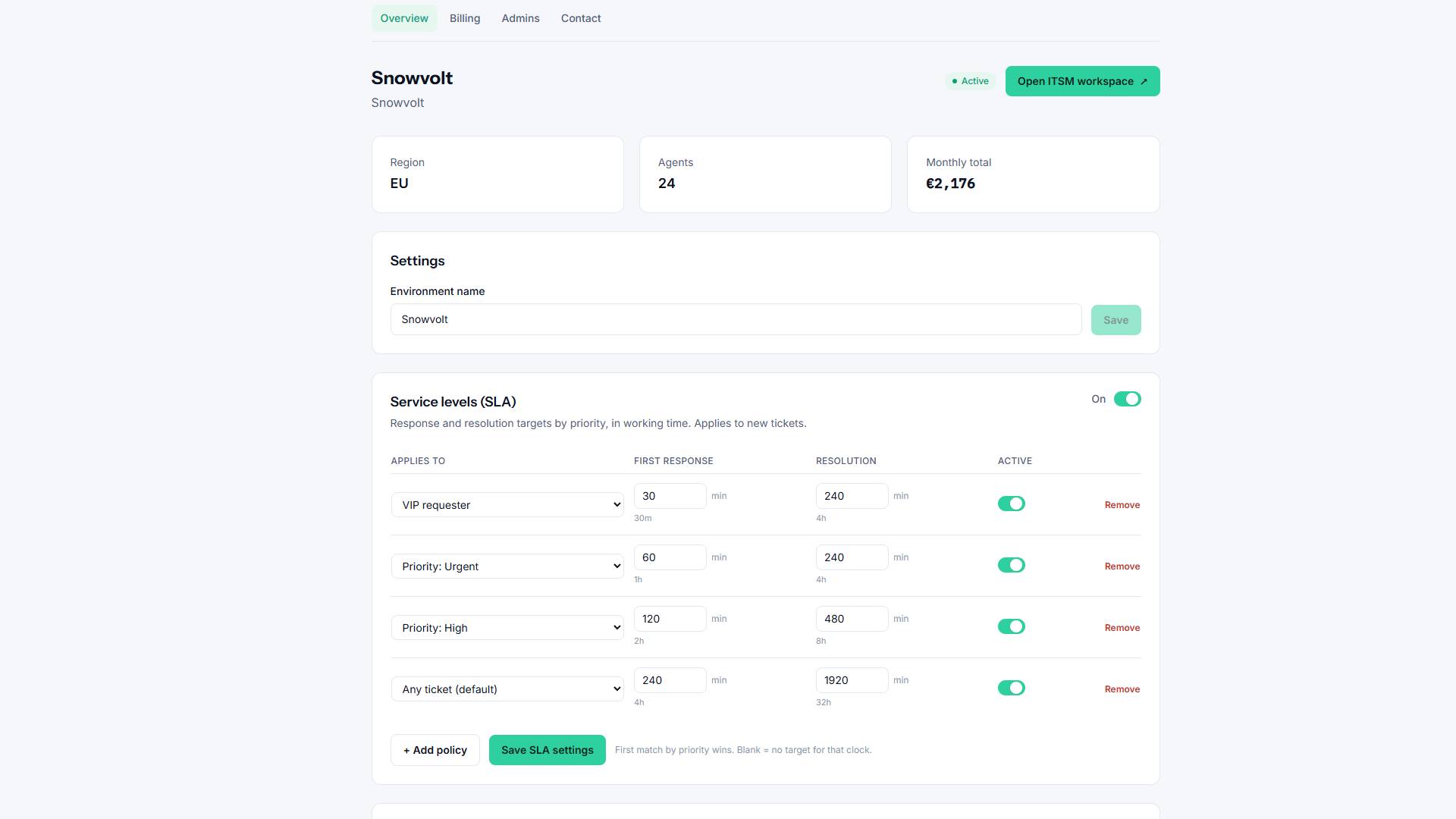
Opening an environment
From the Console Dashboard, click an environment card to open its detail page. There you can see its status, region, and settings, and jump into the live agent app.
Environment status
Each environment shows one of these states:
- Provisioning — we are creating the dedicated database. This usually takes a few minutes.
- Active — ready to use. Agents can sign in and work.
- Suspended — temporarily disabled (for example, a billing issue).
Region & data residency
When an environment is created you choose where its data lives — Europe (EU) or United States (US). This is fixed for the life of the environment, so pick the region closest to your team and customers.
Tip: The region only affects where data is stored. Agents and customers can sign in from anywhere.
Next steps
- Set up who can administer the company in Inviting admins & roles.
- Review Billing & plans.