 Alumanel Docs
The agent app is where your support team works. Sign in at your-workspace.app.alumanel.com.
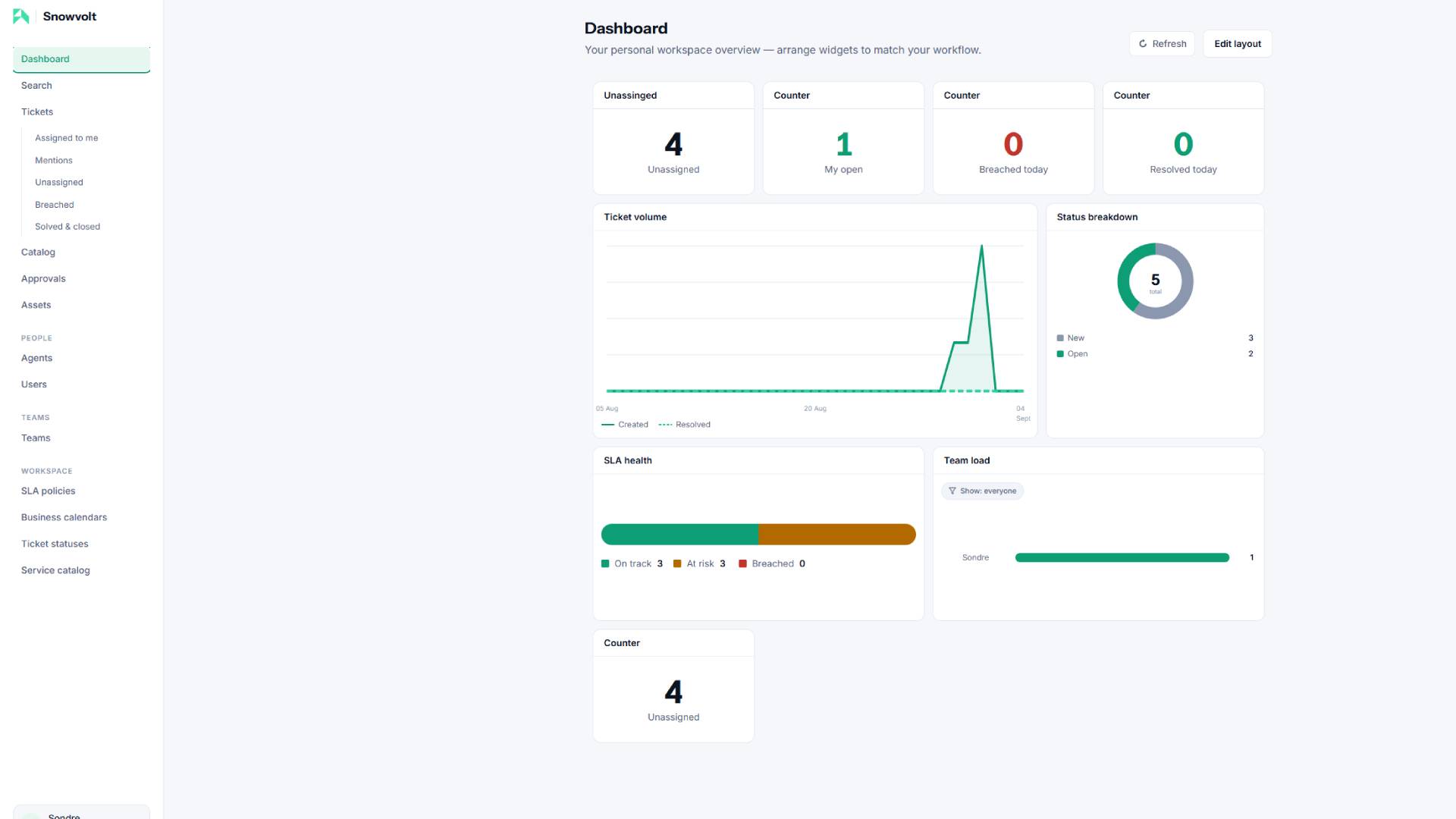
The navigation
Down the left you will find:
- Dashboard — your personal overview of widgets you arrange yourself.
- Tickets — the queue of customer requests.
- Catalog — the service catalog of requestable items.
- People — agents and requesters (your customers).
- Teams — groups of agents with skills, a lead, and working hours.
- Workspace (admins only) — SLA policies, business calendars, ticket statuses, and the service catalog admin.
The dashboard
Your dashboard is personal. Click Edit layout to add, remove, and rearrange widgets — ticket counters, status donuts, team load, SLA health, and more. Changes save automatically.
Tip: Widgets are clickable — most take you straight to a filtered ticket list.
Where to go next
- Learn the core loop in Working a ticket end-to-end.
- Set up your groups in Teams, members & the team lead.